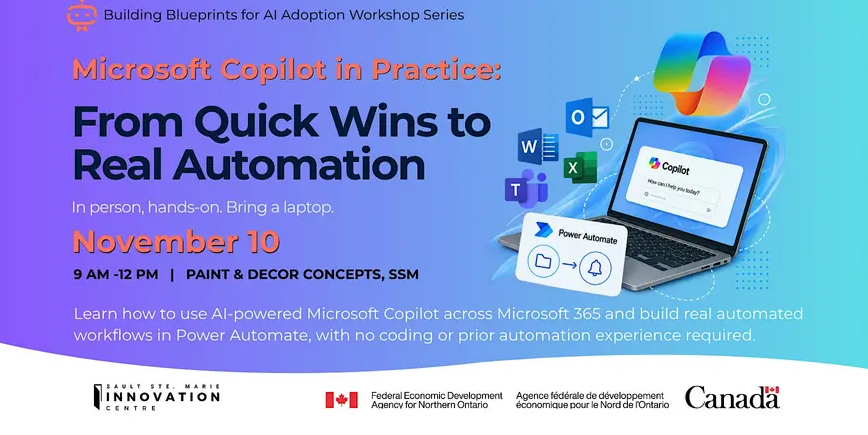
You have probably used Microsoft Copilot to draft an email or summarize a document. That is a fraction of what it can do. There is a lot more sitting inside the Microsoft 365 apps already on your desktop, and this workshop is a practical, hands-on exploration of what is possible.
Built for organizations powered by Microsoft 365, this workshop starts with everyday wins across Outlook, Word, Excel, and Teams, such as pulling the key points out of a long email thread or turning a rough outline into a first draft. From there it builds toward something bigger. With Copilot as a guide, you will construct a real workflow in Microsoft Power Automate, such as an automatic notification when a new file lands in a shared folder. No coding or prior automation experience required.
Throughout, the focus stays on what Copilot can genuinely do inside Microsoft 365 today, so you leave knowing where it saves real time and where it falls short.
What you will walk away with
• Practical Copilot techniques for Outlook, Word, Excel, and Teams that you can use the same day
• A working automation you built yourself during the session using Copilot and Microsoft Power Automate
• An honest picture of what Copilot can and cannot do inside Microsoft 365
• Enough familiarity with the building blocks to keep going on your own afterwards
What to bring
• A laptop
• Microsoft 365 access with Copilot enabled